
What is TipStats and how do I use it?
TipStats analyses the selections you've already submitted so you can find your own strengths and weaknesses and focus your attention where it finds winners.
TipStats analyses the selections you've already submitted, building a personal dataset of your own picks so you can see your strengths and weaknesses and focus where you actually find winners.
Here's a video showing you how to use it:
Where to find TipStats
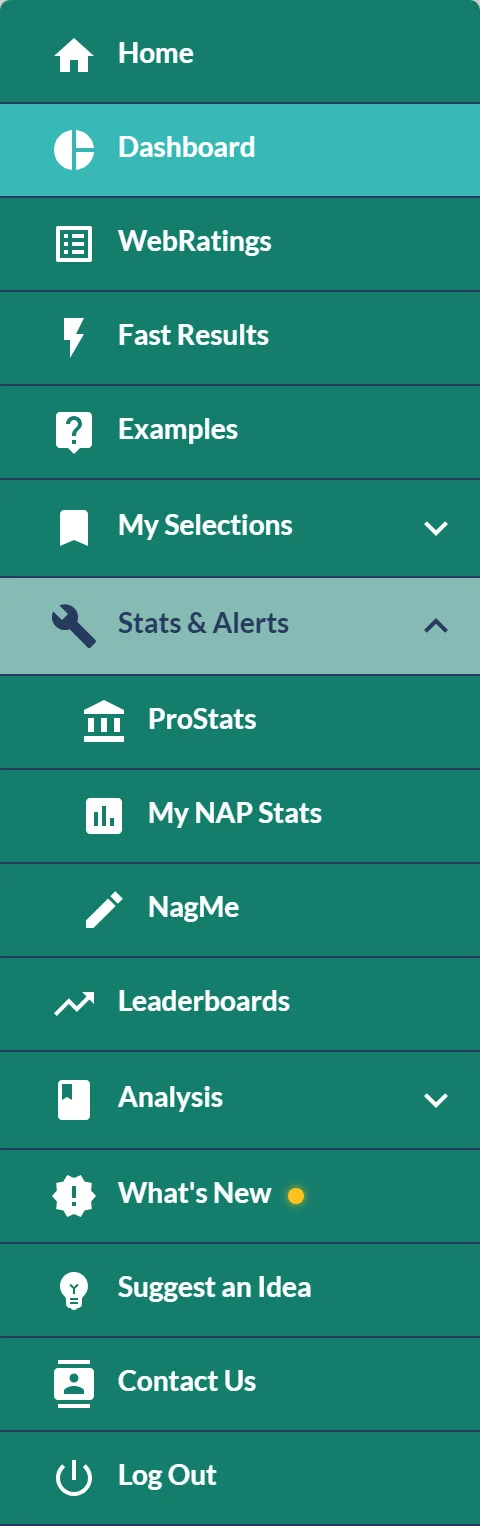
Open the menu, choose Stats & Alerts, then My NAP Stats. The My NAP Stats button on the leaderboards opens the same page. It used to be labelled TipStats, which is the name you'll see in the video above.
Along the top of the page, switch between NAPs, Selections and NagMe to analyse each set of picks you've made.
Build a dataset to analyse
TipStats only works once you've submitted selections, so the more you play, the richer your analysis. Every entry you make in the NAP Competition feeds it, and you can keep a parallel record of stakes and returns in the Staking Manager.
Was this article helpful?