
Using the Staking Manager
The Staking Manager helps you plan stakes and track results. This guide covers downloading it and getting started.
The Staking Manager is a downloadable tool that helps you stay disciplined: it lets you plan your stakes, manage your bankroll and keep an honest record of how your bets are actually performing across the season. It's available to every member, including Free accounts, so it's a good first habit to build whether you're betting for fun or running things more seriously.
Download the Staking Manager
- Sign in to your RatingTheRaces account and open your dashboard.
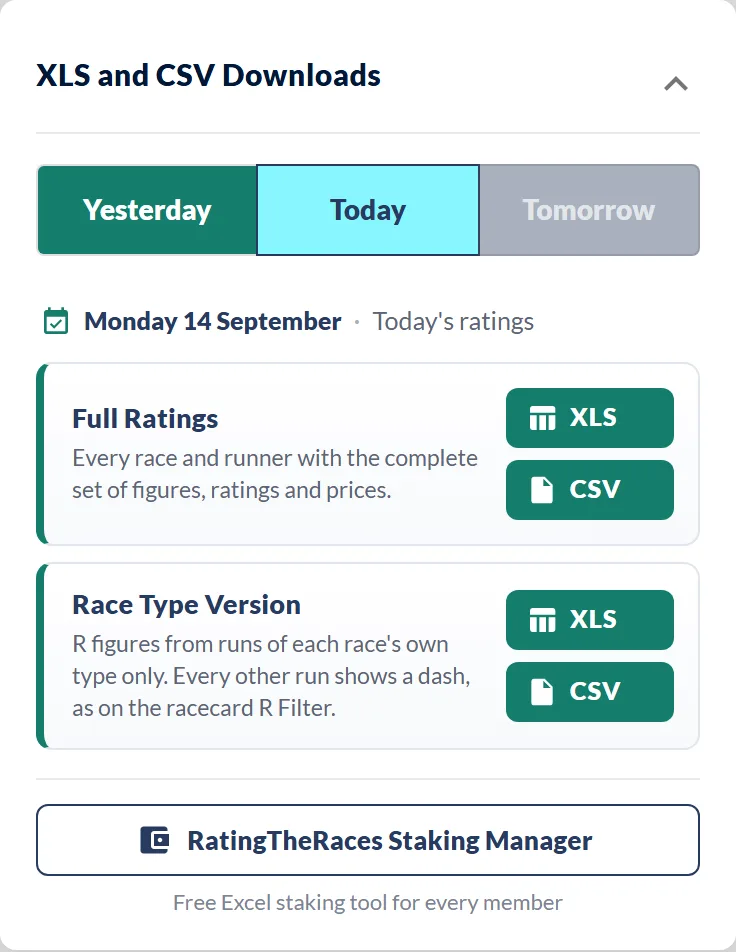
- In the XLS and CSV Downloads panel, click RatingTheRaces Staking Manager at the bottom.
- Download the file and open it in your spreadsheet app.
Getting started
- Set your bankroll, the total amount you're prepared to stake. Everything else works back from this figure.
- Choose a staking plan, for example level stakes (the same amount on every bet) or a percentage of your bankroll. Keeping it consistent is what makes the results meaningful.
- Log each bet, the selection, the odds you took and the stake. Pulling selections from your saved picks keeps this quick.
- Record the result so the running profit/loss and strike rate update.
Why it's worth doing
Tracking real results is what turns "I think I'm doing well" into something you can actually check. Once you've built a record, the analysis tools make it far more powerful, TipStats breaks down the strengths and weaknesses in your own submitted selections, and Professional members can hunt for fresh angles across the whole database with ProStats. To find runners worth staking on in the first place, start with How to navigate the ratings.
Was this article helpful?