
I forgot my password / I can't log in
1.0×
Tip: double-click or double-tap any word to read from thereIf you can't sign in, a password reset fixes most cases. Here's how, plus what to check if it still won't work.
Can't get into your account? A password reset clears up the large majority of sign-in problems. Run through the reset first, then the common gotchas below if it still won't let you in.
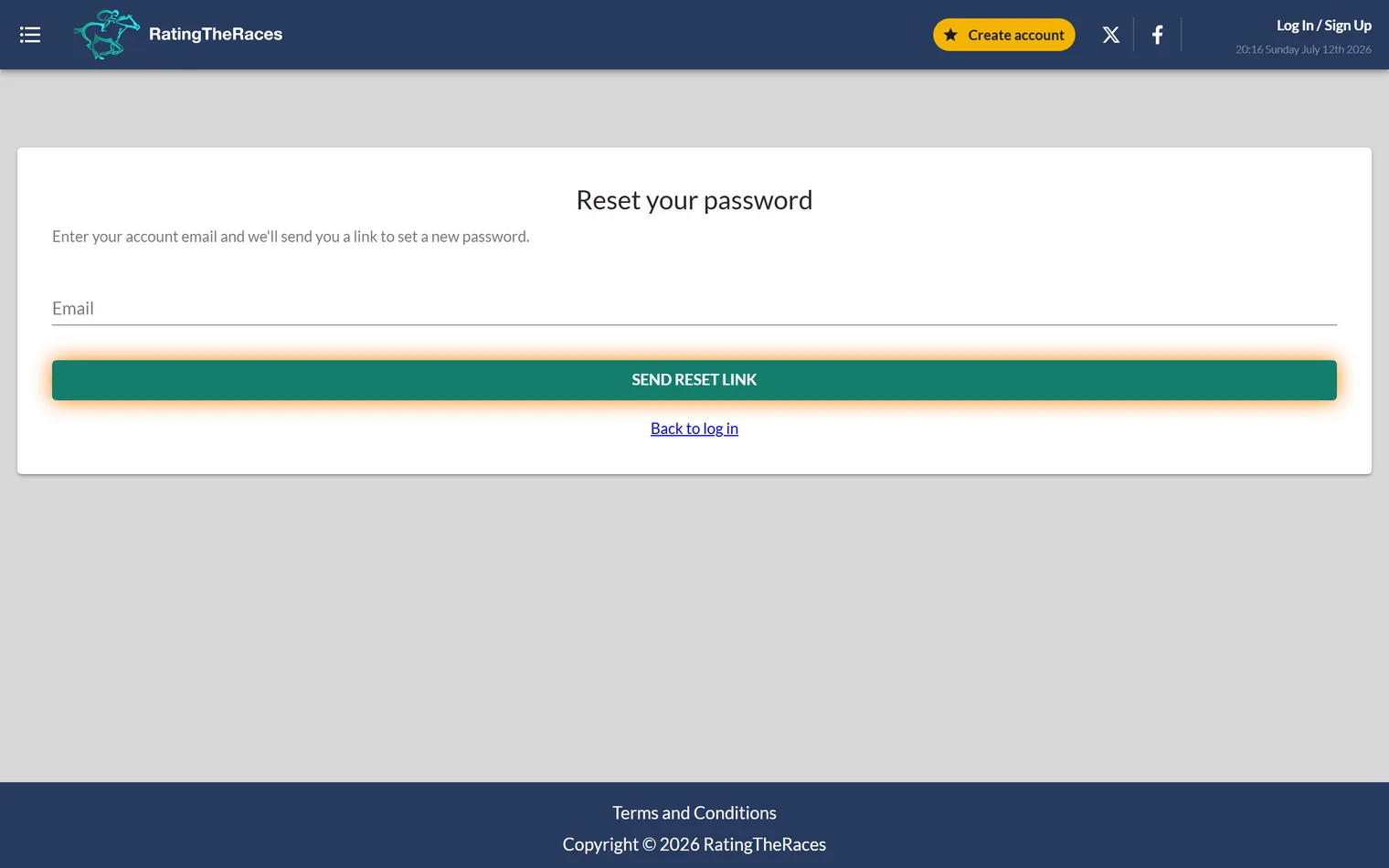
Reset your password
- On the login screen click Forgot password.
- Enter the email address on your account and submit.
- Check your inbox, and your spam / junk folder, for the reset email.
- Follow the link, set a new password and sign in.
The reset link is time-limited, so if it's expired by the time you open it, just request a fresh one.
If the reset doesn't help
- Wrong email address. Make sure you're resetting the exact address you registered with. A reset email only goes to an address we have on file, so nothing arrives if there's a typo or you've used a different inbox.
- Unconfirmed account. If you signed up but never clicked the confirmation email, find that original email (check spam) and confirm first.
Getting back to the ratings
Once you're in, you can pick up where you left off, see How do I log in? for the standard sign-in, and Your first 5 minutes: a quick tour if you're new.
Still locked out after a reset? Contact support from the email address on your account and we'll get you back in.
Was this article helpful?