
R figures: click through to the race
1.0×
Tip: double-click or double-tap any word to read from thereAn R figure tells you how a horse ran; the race it ran in tells you why. Every R1 to R10 figure now links straight to that racecard, in a new tab, with your ratings on it.
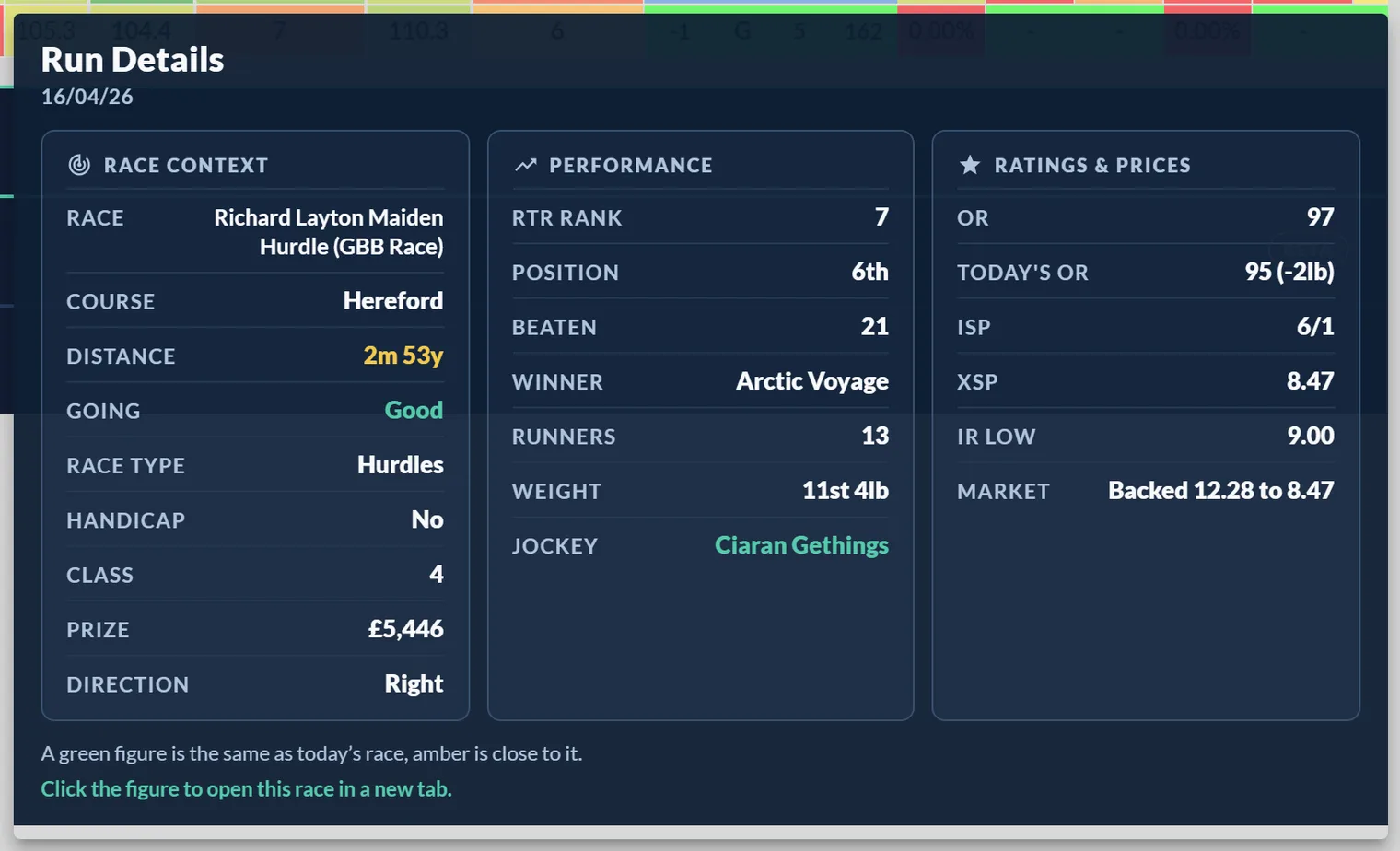
Hover any R figure and the Run Details card opens as always. The new line at the bottom says it: click the figure and the race it was earned in opens in a new tab, with the full field, the result and every rating as it stood.
A few details worth knowing:
- On desktop, the click opens the race in a new tab, so your card stays where it is.
- On phones and tablets, a tap pins the Run Details card first, and a View Race button on the card takes you through. A second tap elsewhere puts it away.
- With the Anomaly Run Filter switched on, clicking an R figure still strikes the run, exactly as before. Turn the filter off to get click-through back.
It works on every rated figure, R1 through R10, on the racecard. Letters such as P and F are not clickable, because there is no rated run behind them.
The click-through is available to Premium and Professional members.
Was this article helpful?