
The Anomaly Run Filter
Every horse runs a shocker now and again. The Anomaly Run Filter lets you put a line through a run you do not believe, and the averages recalculate from the runs that are left.
Sometimes a horse runs a race that tells you nothing: it bled, it was struck into, it was pulled up with the race long gone. Leave that figure in and it drags the averages down; the form reads worse than the horse. A member asked us for a way to simply put a line through a run like that, so we built one.
Switching it on
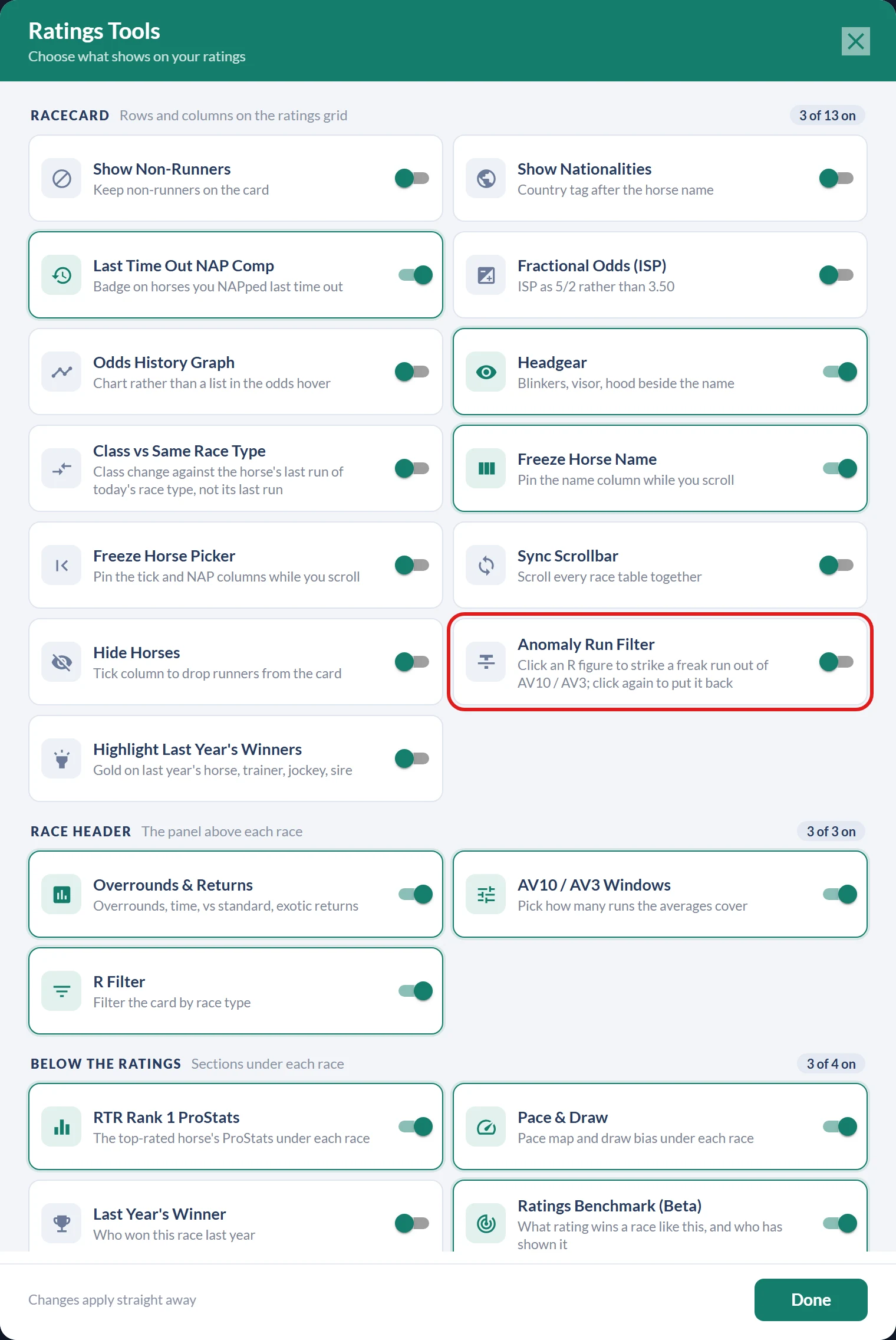
Open Tools at the top of the ratings and turn on Anomaly Run Filter in the Racecard section. It is off by default, and the choice is remembered on your device.
Striking a run out
With the filter on, every rated R figure on the card becomes clickable. Click a figure and it is struck out: greyed, with a line through it, and dropped from that horse's AV10 and AV3, which recalculate on the spot from the runs that are left. Click the figure again and the run comes straight back.

A few details worth knowing:
- The struck run is removed before the average's window is taken. Strike R2 and AV3 becomes R1, R3 and R4, exactly as if the run never happened, rather than an average of just 2 runs.
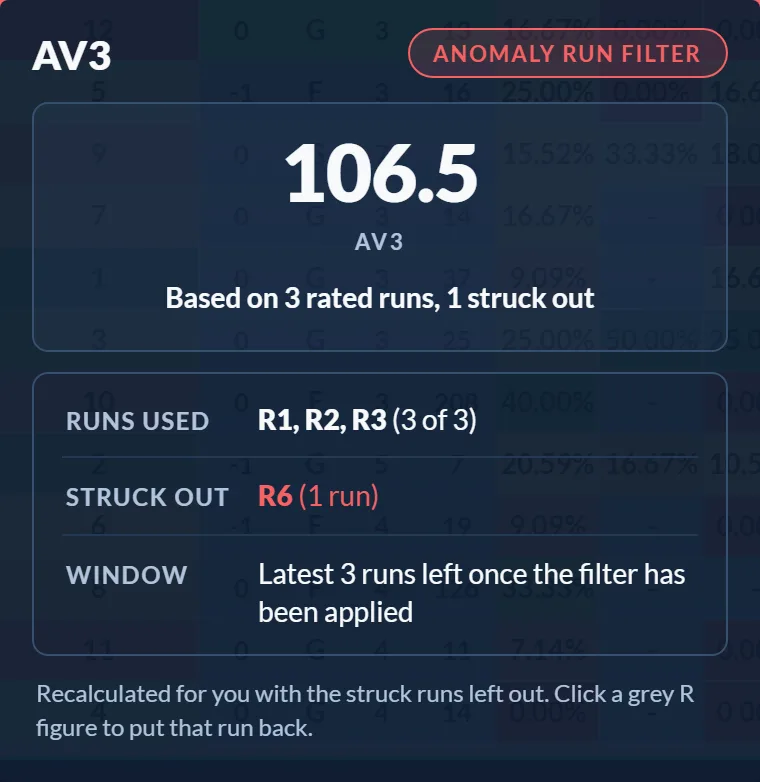
- Hover a recalculated AV10 or AV3 and a card tells you exactly what it rests on, for example Based on 3 rated runs, 1 struck out, with the runs used, the runs you struck and the window, so a filtered figure can never masquerade as a raw one.
- Ranks, colours and the bold best-in-field figure all rebuild across the whole race from the filtered figures.
- Only rated figures can be struck. Letters such as P and F are not clickable, and runs you strike stay struck for that race while you work: turning the toggle off clears every strike and returns the card to the server's own figures.
One thing to note on phones: while the filter is on, tapping an R figure strikes it rather than opening the Run Details card. Turn the toggle off when you want tap-to-hover back. On desktop, hovering for Run Details works as normal either way.
The filter is available to Premium and Professional members, and pairs naturally with the AV10 / AV3 windows and the R Filter: the windows choose how many runs the averages cover, the R Filter chooses which race types count, and the Anomaly Run Filter lets you overrule the odd run that should never have counted at all.
Was this article helpful?