
The notification bell
1.0×
Tip: double-click or double-tap any word to read from thereThe bell in the top-right corner is where your personal alerts land, NAP results, leaderboard positions, non-runners and more, so you never miss the ones that matter.
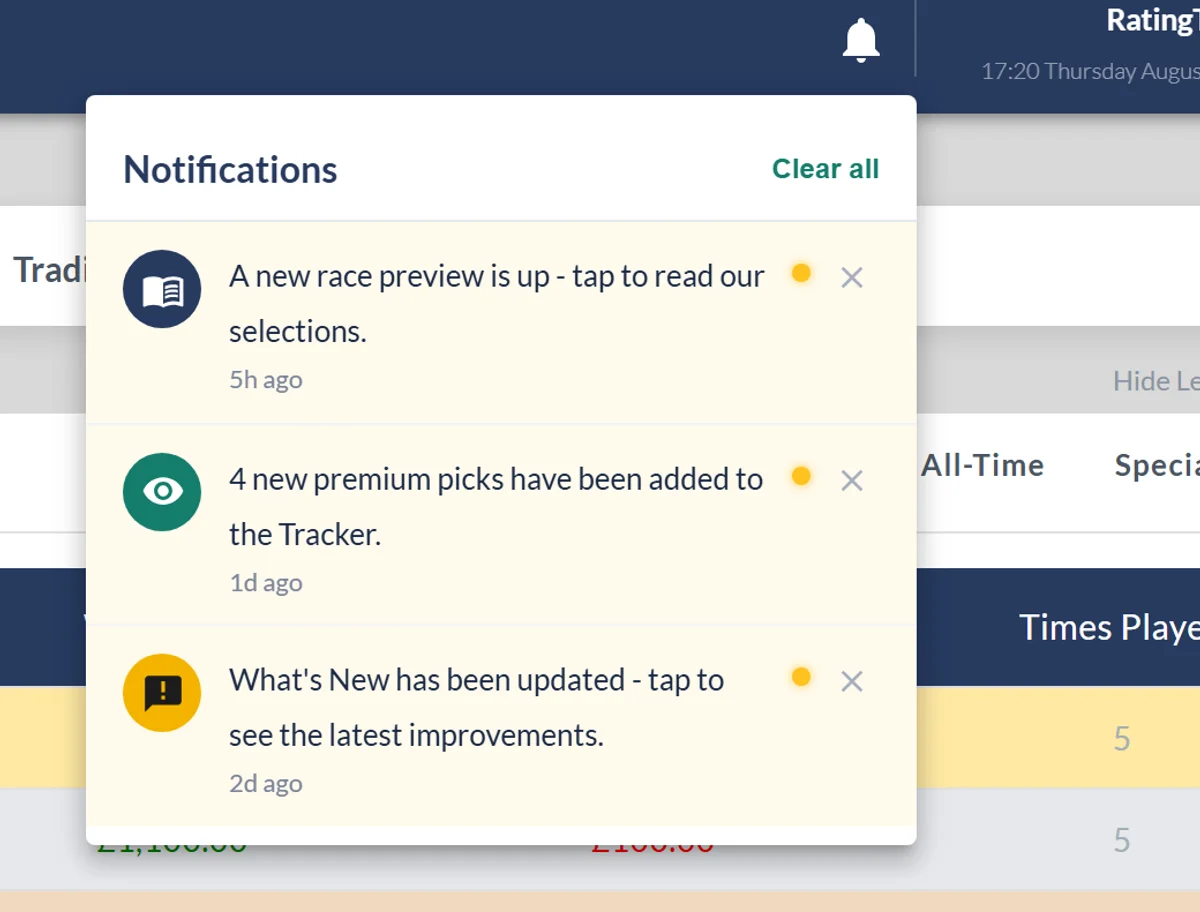
Look to the top-right of the app and you'll see a bell. A gold badge on it tells you how many unread alerts you have. Click it to open your notifications.
What lands in the bell
- NAP results, each of your picks as its race finishes, and a heads-up if one is made a non-runner (so you can replace it in time).
- Leaderboard moves, your weekly and monthly position at the end of a race day, a nudge on the final day if you're in the top 10, and a message if you win a competition or prize.
- Your account, when a free Premium trial starts, and if your paid access ends.
- Replies to your suggestions.
- Site updates, when What's New is refreshed, a new race preview is up, or new picks are added to the Tracker.
Using it
Opening the panel clears the unread count. Click any alert to jump straight to what it's about, use the ✕ to clear a single one, or Clear all to empty the list. When there's nothing waiting it simply reads "No notifications yet."
The bell is there for every logged-in member on every plan. Your NAP results and leaderboard updates appear on race days.
Was this article helpful?