
How to upgrade or downgrade your plan
Upgrading is self serve: pick your plan at checkout and pay by card or PayPal. Downgrades keep your current access until the end of the period you've paid for.
You're never locked into a single tier, you can move between Free, Premium and Professional whenever it suits you, whether you want to step up for more or step down to spend less.
How to upgrade
Upgrading is completely self serve:
- Head to the upgrade page in the app.
- Choose Premium or Professional, and pick a monthly, 6 monthly or 12 monthly billing period.
- Pay securely by card or with PayPal. We never see or store your card details.
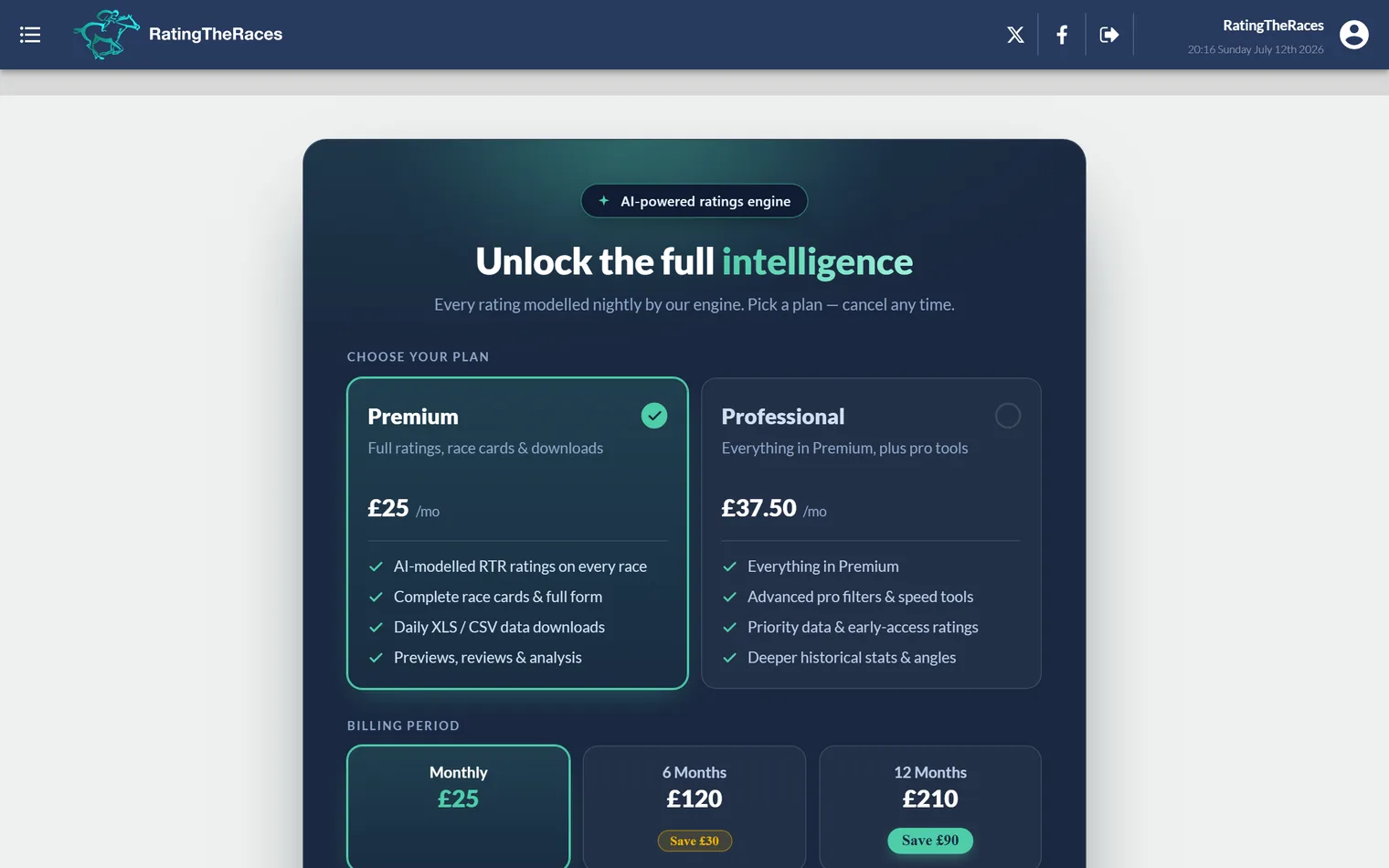
Your new features unlock as soon as the payment goes through. If you're not signed in when you open the upgrade page, you'll be asked to create an account or log in first, then you're brought straight back to checkout to finish.
How to downgrade
Downgrading never costs you anything you've already paid for:
- To stop paying entirely, cancel from your profile page, see How to cancel your subscription. You keep full access until the end of the paid period, then your account moves to the Free plan.
- To move from Professional to Premium, cancel your Professional subscription the same way, then subscribe to Premium once your paid period ends. Nothing is lost in the meantime.
Before you choose
It's worth checking exactly what each level includes, compare them on What's included in a Professional account?, then see current prices on How much does it cost?. If you've just changed plan but the new ratings or tools aren't showing yet, a quick log out and back in usually applies it, see I upgraded but can't see the full ratings.
Was this article helpful?