
How to view the leaderboards
The leaderboards show the weekly and monthly NAP Competition standings. This guide explains where to find them and how to check your position.
The leaderboards are where you see how your NAP Competition entries are performing against everyone else's. They update live during the day, so as results come in you can watch your position move.
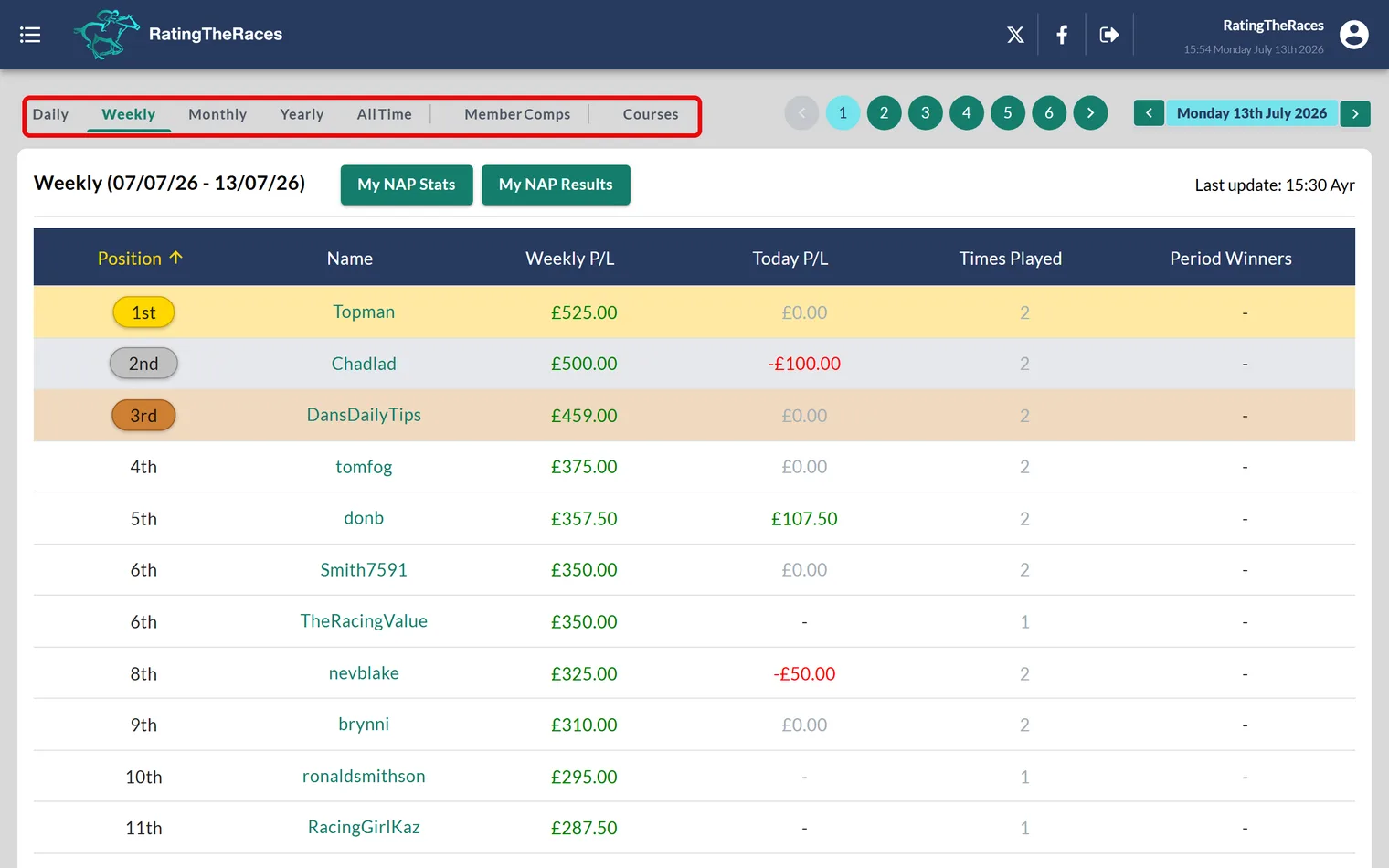
Where to find them
- Open the NAP Competition from the menu.
- Choose the Leaderboard tab.
- Switch between the views below.
The leaderboard views
| View | Shows | Cash prizes |
|---|---|---|
| Today | The day's leaders | No |
| This Week | Sunday to Saturday standings | Yes |
| This Month | The calendar month's standings | Yes |
| This Year | Year-to-date standings | No |
| All-Time | All-time standings | No |
| Special Events | Any one-off competitions we run | Varies |
Tap any view in the table above to open that leaderboard. The cash prizes are won on the This Week and This Month boards. The other views are there so you can see how you and everyone else are doing over different periods.
Finding yourself, or anybody else
Premium and Professional members get a Find member box above the board. Type a name and it jumps to that row wherever it sits, which saves scrolling for your own line once there are a few hundred players on it. It works for any player, so you can keep an eye on whoever you are chasing.
Weekly vs monthly
Two prize competitions run side by side:
- The Weekly leaderboard runs Sunday to Saturday and resets every week, so a single strong week can put you in the running.
- The Monthly leaderboard accumulates across the calendar month and rewards consistency.
Both pay out separately, so one good run of selections can land you on more than one board. For exactly what's up for grabs, see Weekly & monthly winners' prizes.
Climbing the board
Your position is driven entirely by the selections you submit, so the way to climb is to keep entering and to sharpen your picks. If you're not entering yet, start with How do I play the NAP Competition?, and remember you can get ahead by entering the day before racing. New to the whole thing? See What is the NAP Competition?.
Was this article helpful?