
How to navigate the ratings
There are several ways into the ratings: the dashboard's Today's Races panel, the WebRatings menu item, and the course tabs, time chips and navigation arrows on any race page.
There are several ways to open a race and see its ratings. Use whichever suits how you're browsing.
From the dashboard
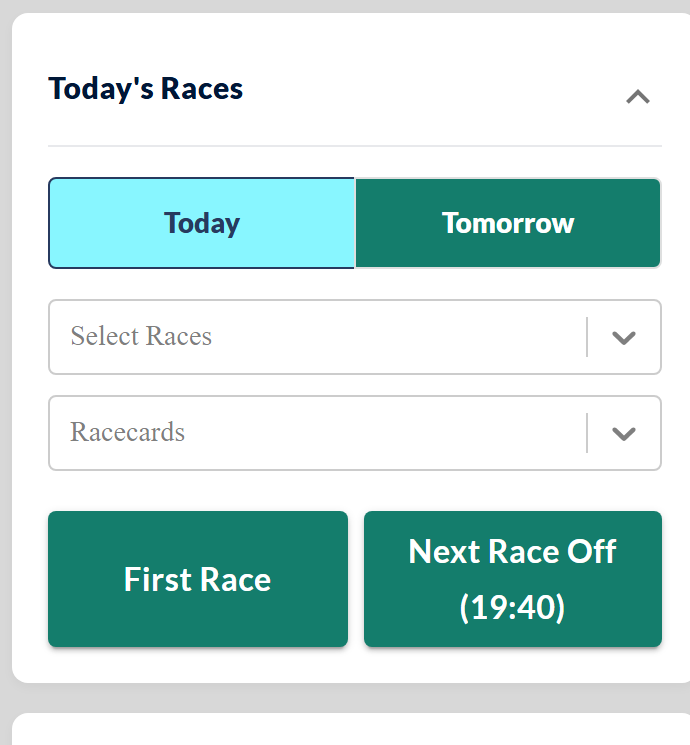
The Today's Races panel is the quickest way in. Switch between Today and Tomorrow, pick a meeting from the Select Races dropdown (or a card from Racecards), then jump straight in with First Race or Next Race Off:
From the menu
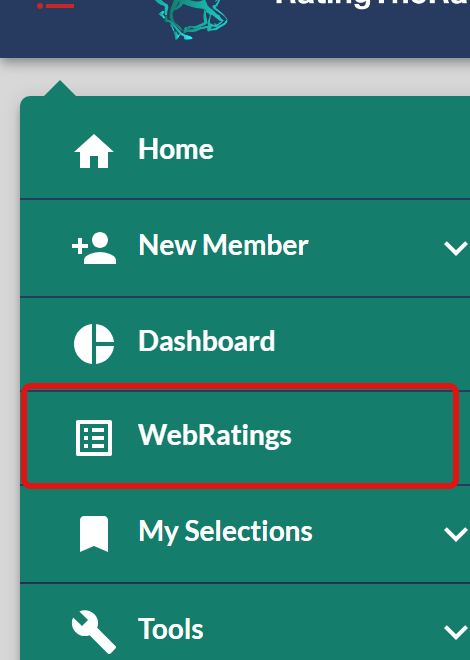
WebRatings in the main menu opens the ratings from anywhere on the site:
Moving around on a race page
Once a race is open, you can move all around the day's racing without going back.
Switch course or race. The course tabs (Carlisle, Naas and so on) and the time chips beneath them jump to any race at that meeting. Click All to load every race at the course at once:

Open the whole card. Click the course name in the race header to bring up the rest of that course's races:

Step through the day. The controls on the right move you through the racing: first race, previous race, All races, next race, and on to the next day:

Next steps
With a race open, you can sort by any column to re-rank the field, or customise which columns are shown to keep only what you need. To understand the figures you're reading, see the ratings columns reference, and if a page won't load, see The ratings won't load or display correctly.
Was this article helpful?